Taking photos with your phone
How to take professional real estate photos with your phone
At the very minimum, make the first photo look really good. When buyers are scrolling for homes, you want yours to grab attention.Below is a photo of the front, we did before and after a little chatgpt enhancement. The second photo will grab more favorable attention.
Also, try and make your home look good when they drive up, not just a good photo.
It is best to spend $100-$300 and get professional photos taken.
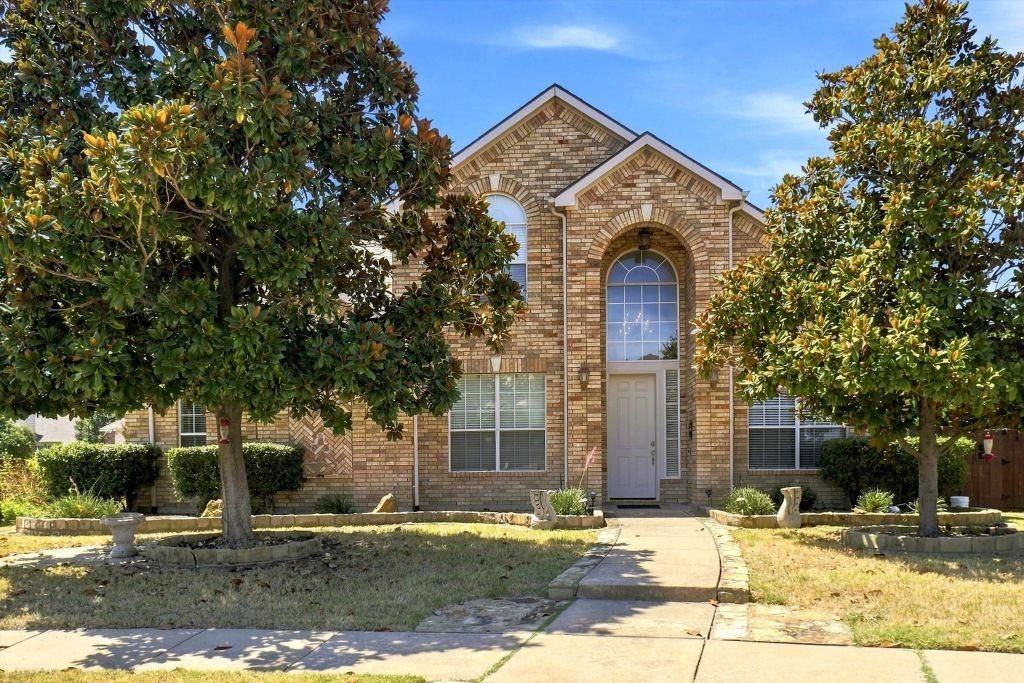
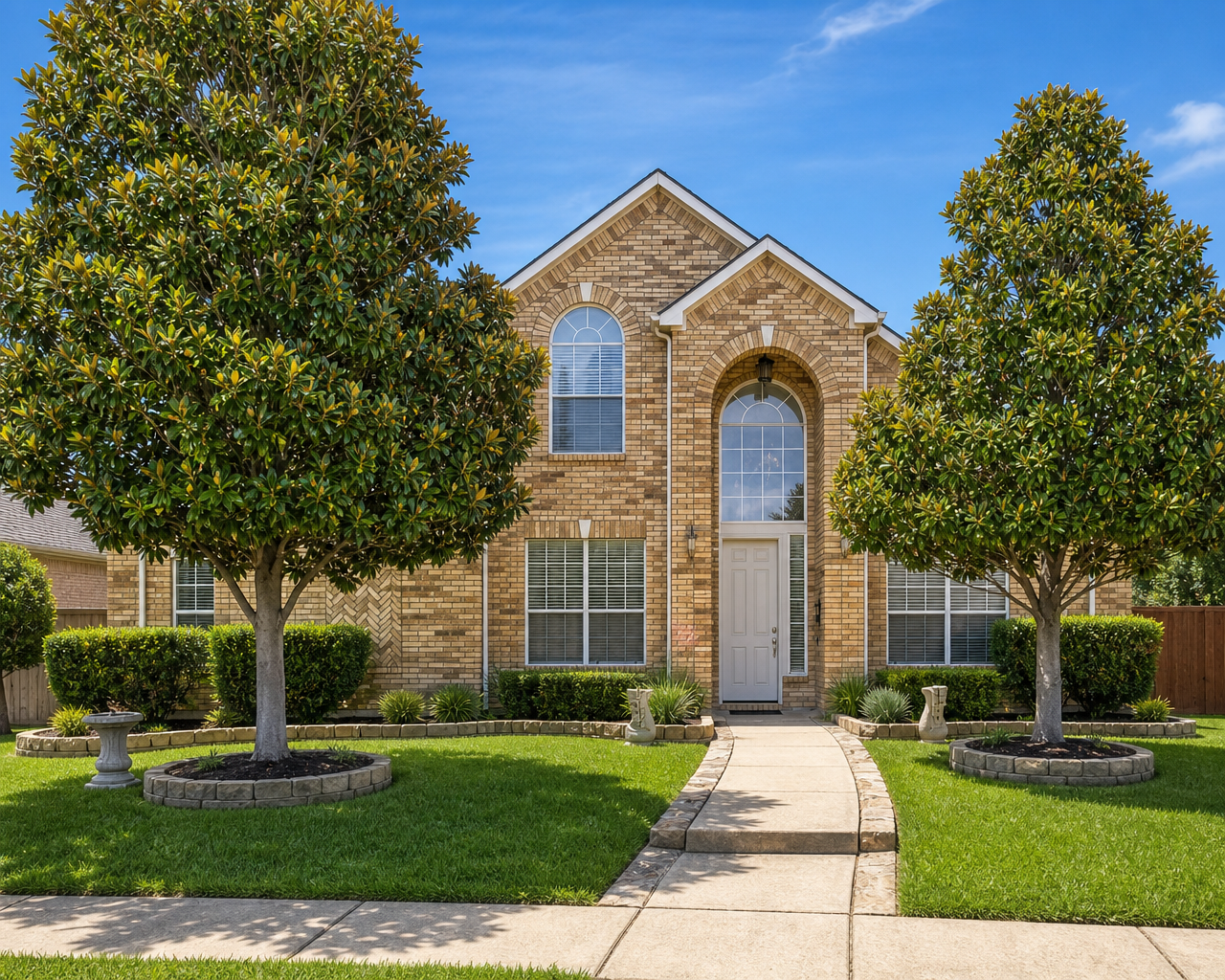
Watch video Search on how to do real estate photos with your phone, or it may be worth hiring a professional.
Before you start shooting, tweak these key features in your phone’s camera app:
- 0.5x Ultra-Wide Lens: Switch to your phone’s ultra-wide lens (usually 0.5x or 0.6x zoom) to maximize the field of view.
- Turn on Grid Lines: Enable the grid in your system settings to align vertical lines like door frames and walls perfectly.
- Enable RAW Format: If your phone supports ProRAW or RAW, turn it on to capture deeper data for easier editing.
- Turn Off Flash: Built-in phone flashes create harsh shadows and uneven, artificial hot spots.
- Shoot horizontally: Keep your phone in landscape orientation for listing sites, saving vertical portrait orientation strictly for social media reels.
- The 3-Wall Rule: Stand deeply into a corner or doorway to capture three walls in a single frame. This visually establishes the true depth, scale, and layout of the space.
- Lower the Height: Avoid shooting from eye level. Drop the phone down to chest or waist height (around 4 feet). This prevents overhead distortion and automatically opens up the room.
- Keep it Level: Never tilt your phone up or down. Ensure your phone stays perpendicular to the floor to prevent walls from appearing warped or leaning inwards.
- Rule of Thirds: Keep your visual weight balanced. Ensure the ceiling occupies no more than the top one-third of your overall frame.